
frames/000001.png, ...
Each frame that differs from the one before it.
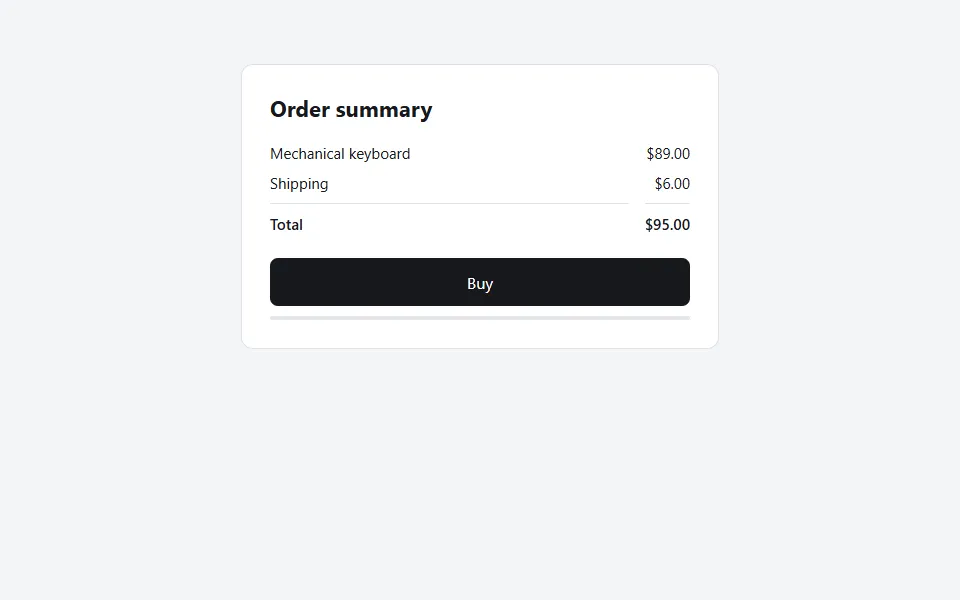
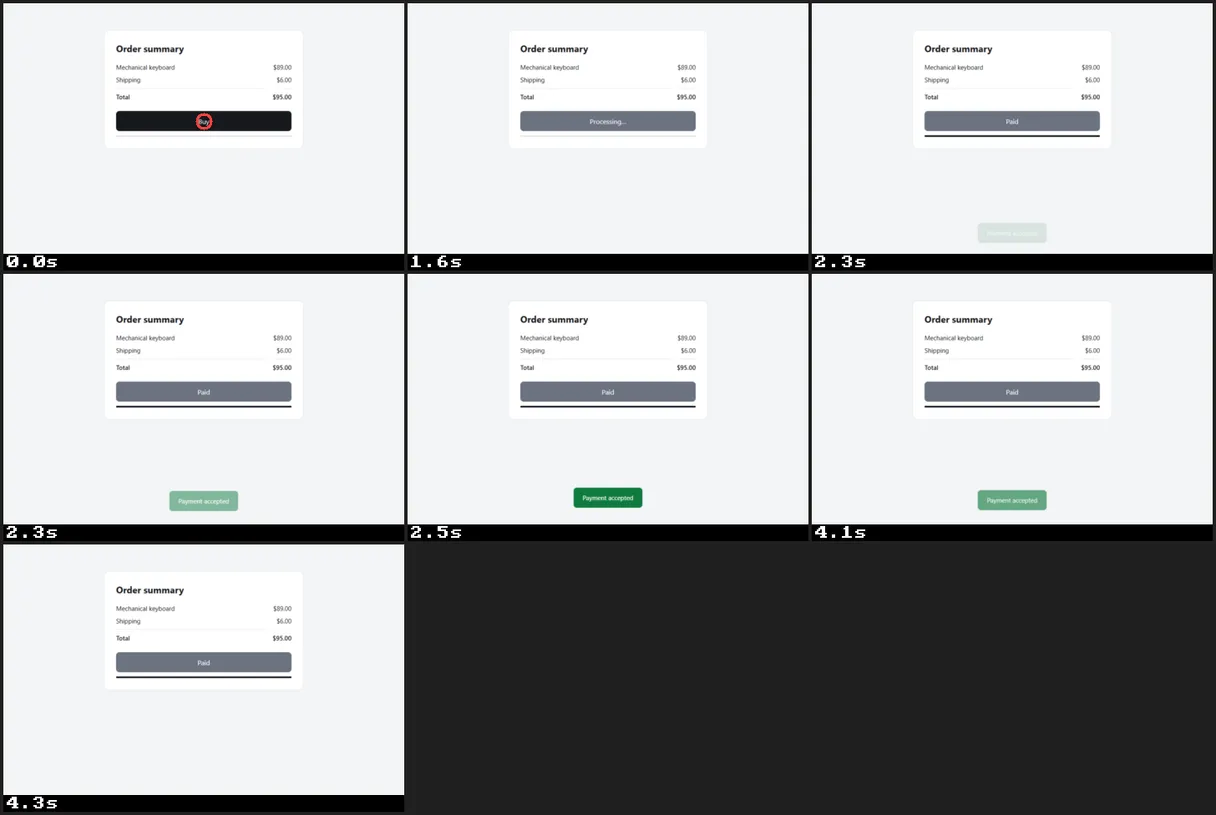
recdr records a window, a screen region, a monitor or a Chrome tab. It leaves a GIF or MP4 for you, and for your agent a contact sheet of the moments the screen changed, a per-frame change log and the frames as PNG. Agents drive it through a CLI that prints JSON, or through an MCP server.
curl -fsSL https://recdr.dev/install.sh | shirm https://recdr.dev/install.ps1 | iexbrew install dzikrisyairozi/tap/recdrcargo install recdrWindows and macOS for windows, regions and monitors. Windows, macOS and Linux for browser tabs.
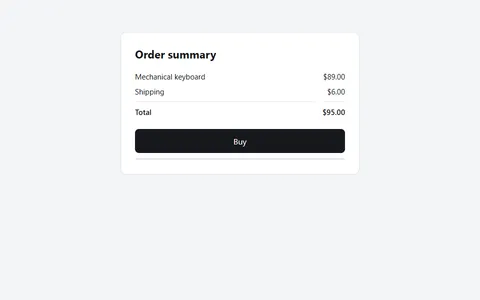
 00:00.0
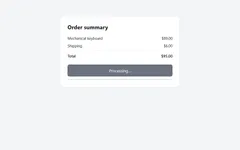 00:01.6
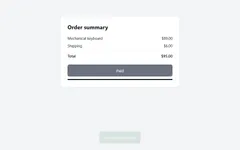 00:02.3
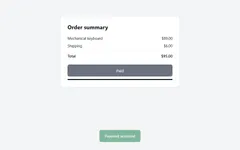 00:02.3
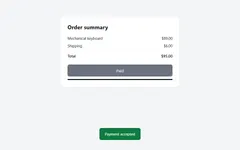 00:02.5
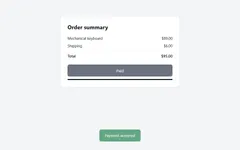 00:04.1
 00:04.3
recdr start --cdp 9222 --tab checkoutStart a background recording. recdr returns its id at once.
recdr stop <id>Stop it, encode, and get the result as JSON.
The agent opens contact_sheet.png, diff.json and the frames.
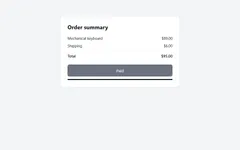
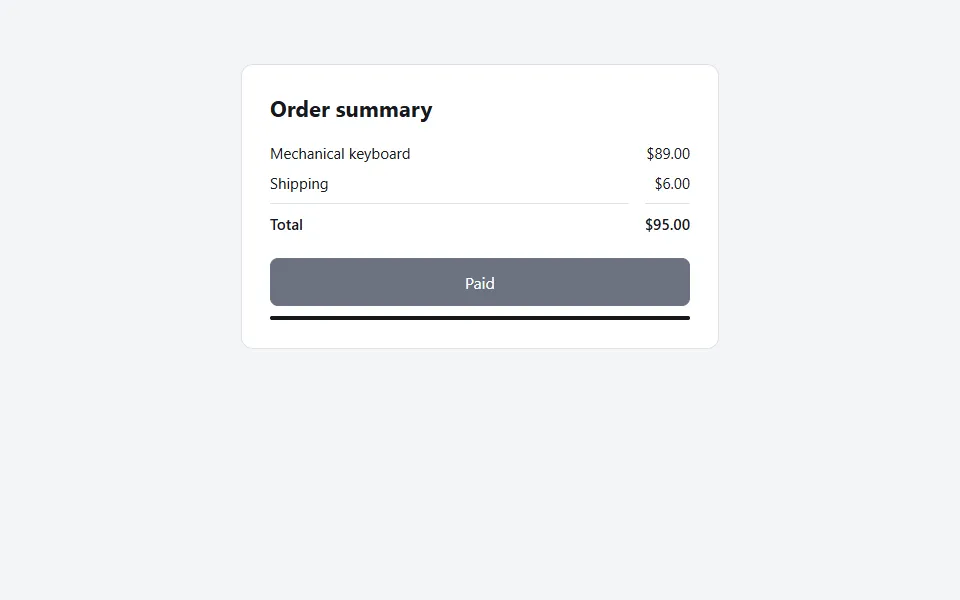
The red box is the area that changed, from diff.json. A red dot marks a keyframe; the contact sheet shows up to 12 of them.
frames/000001.png, ...Each frame that differs from the one before it.
manifest.jsonSize, fps, duration, each frame's time, marks, clicks, stop reason, dropped frames.
{
  "id": "20261123-124910-9341",
  "width": 960,
  "height": 600,
  "fps": 15,
  "started_at_unix_ms": 1795438150872,
  "duration_ms": 6008,
  "frames": [
    {
      "index": 1,
      "t_ms": 0,
      "file": "frames/000001.png"
    },
    {
      "index": 2,
      "t_ms": 1583,
      "file": "frames/000002.png"
    }
  ],
  "marks": [],
  "clicks": [
    {
      "t_ms": 1551,
      "x": 480,
      "y": 282,
      "button": "left"
    }
  ],
  "stop_reason": "duration_reached",
  "dropped_frames": 0
}
2 of 19 frames shown
diff.jsonFor each frame: the share of pixels that changed, the box around them, and whether it is a keyframe.
{
  "frames": [
    {
      "t_ms": 0,
      "changed_fraction": 0,
      "keyframe": true
    },
    {
      "t_ms": 1583,
      "changed_fraction": 0.03492535,
      "bbox": {
        "x": 270,
        "y": 258,
        "width": 420,
        "height": 48
      },
      "keyframe": true
    }
  ]
}
2 of 19 frames shown
contact_sheet.pngUp to 12 keyframes in a grid, each labelled with its time and any marks. At most 2000 px on each edge.
recording.gif, recording.mp4The formats asked for, with a ring drawn for 400 ms after each click.
result.jsonWhat stop and record print.
{
  "id": "20261123-124910-9341",
  "dir": "D:\\recdr.dev\\.recdr\\20261123-124910-9341",
  "stop_reason": "duration_reached",
  "duration_ms": 6008,
  "width": 960,
  "height": 600,
  "frames_stored": 19,
  "dropped_frames": 0,
  "keyframes": [
    {
      "t_ms": 0,
      "path": "D:\\recdr.dev\\.recdr\\20261123-124910-9341\\frames\\000001.png"
    },
    {
      "t_ms": 1583,
      "path": "D:\\recdr.dev\\.recdr\\20261123-124910-9341\\frames\\000002.png"
    },
    {
      "t_ms": 2296,
      "path": "D:\\recdr.dev\\.recdr\\20261123-124910-9341\\frames\\000012.png"
    },
    {
      "t_ms": 2297,
      "path": "D:\\recdr.dev\\.recdr\\20261123-124910-9341\\frames\\000013.png"
    },
    {
      "t_ms": 2505,
      "path": "D:\\recdr.dev\\.recdr\\20261123-124910-9341\\frames\\000014.png"
    },
    {
      "t_ms": 4080,
      "path": "D:\\recdr.dev\\.recdr\\20261123-124910-9341\\frames\\000018.png"
    },
    {
      "t_ms": 4325,
      "path": "D:\\recdr.dev\\.recdr\\20261123-124910-9341\\frames\\000019.png"
    }
  ],
  "marks": [],
  "gif": "D:\\recdr.dev\\.recdr\\20261123-124910-9341\\recording.gif",
  "mp4": "D:\\recdr.dev\\.recdr\\20261123-124910-9341\\recording.mp4",
  "contact_sheet": "D:\\recdr.dev\\.recdr\\20261123-124910-9341\\contact_sheet.png",
  "diff": "D:\\recdr.dev\\.recdr\\20261123-124910-9341\\diff.json",
  "manifest": "D:\\recdr.dev\\.recdr\\20261123-124910-9341\\manifest.json"
}list_tabsstart_recordingstop_recording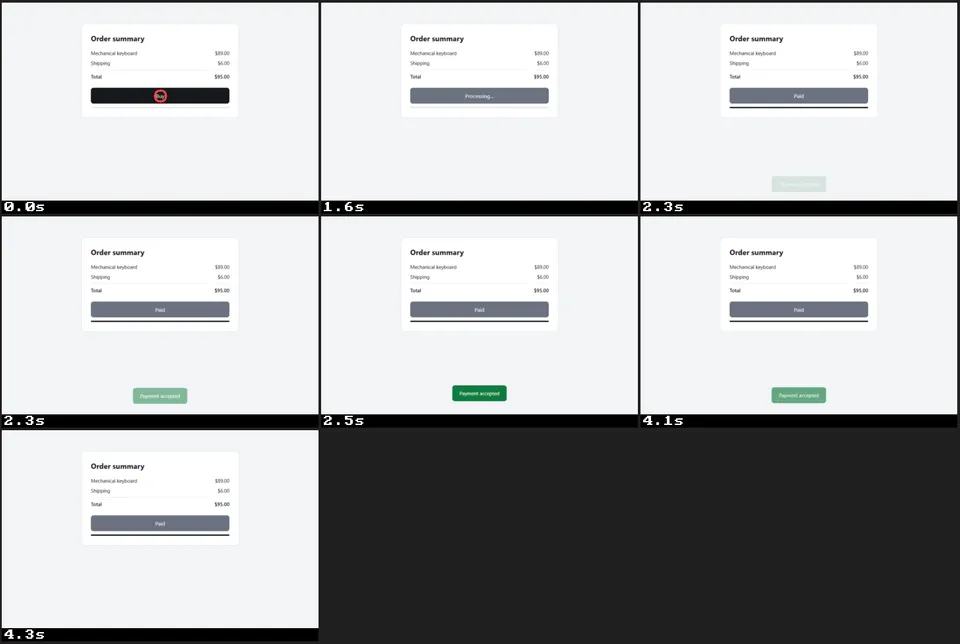
stop_recording returns the contact sheet as an image.
Illustration of an MCP session. The contact sheet is real recdr output.
Works with Claude Code, and any MCP client or shell.
claude mcp add recdr -- /path/to/recdr mcp| Windows | macOS | Linux | |
|---|---|---|---|
| Window | Yes, on Windows 10 1903 or later | Yes, on macOS 14 or later | No |
| Screen region | Yes, on Windows 10 1903 or later | Yes, on macOS 14 or later | No |
| Monitor | Yes, on Windows 10 1903 or later | Yes, on macOS 14 or later | No |
| Browser tab | Yes | Yes | Yes |
The app (recdr gui) | Yes | Yes | No |
| MP4 encoder | Media Foundation | AVFoundation | ffmpeg on PATH |
No. recdr never uploads anything. Recordings stay in the output root, which is ./.recdr unless you pass --out.
No. Keyboard input is never recorded. A recording does hold whatever was on screen, including secrets.
No. The Windows binary is not signed, so Defender or SmartScreen may warn about it.
Two things, and it gives them to the program that started recdr (your terminal or your editor), not to recdr itself. Screen Recording is needed for windows, monitors and every desktop target. Input Monitoring is needed for click rings; without it a recording still runs, without clicks. More on macOS permissions.
Browser tabs. Windows, screen regions, monitors and the app need Windows or macOS. MP4 output on Linux uses ffmpeg on PATH.
Agents drive recdr through a CLI that prints JSON, or through an MCP server. For Claude Code, register the server with claude mcp add recdr -- /path/to/recdr mcp.
recdr update installs the newest release over the binary it runs from. A copy installed by Homebrew or cargo is updated with brew upgrade recdr or cargo install recdr.
Delete the binary. On Windows also remove %LOCALAPPDATA%\Programs\recdr from your user Path.
curl -fsSL https://recdr.dev/install.sh | shirm https://recdr.dev/install.ps1 | iexbrew install dzikrisyairozi/tap/recdrcargo install recdrInstall options, updating and uninstallingSource on GitHubMIT license